01
Store
Add anything: files, photos, notes, credentials. It is encrypted on your device before it goes anywhere.
AI Memory Vault · by Hushkey Labs
One encrypted vault for everything that matters, with a private AI that understands it and a firewall that decides what every agent can see. Even we can't read it.
The private beta is an early preview of how AI Memory Vault looks and feels.
Coming to Web, Android, iOS and Browser extension
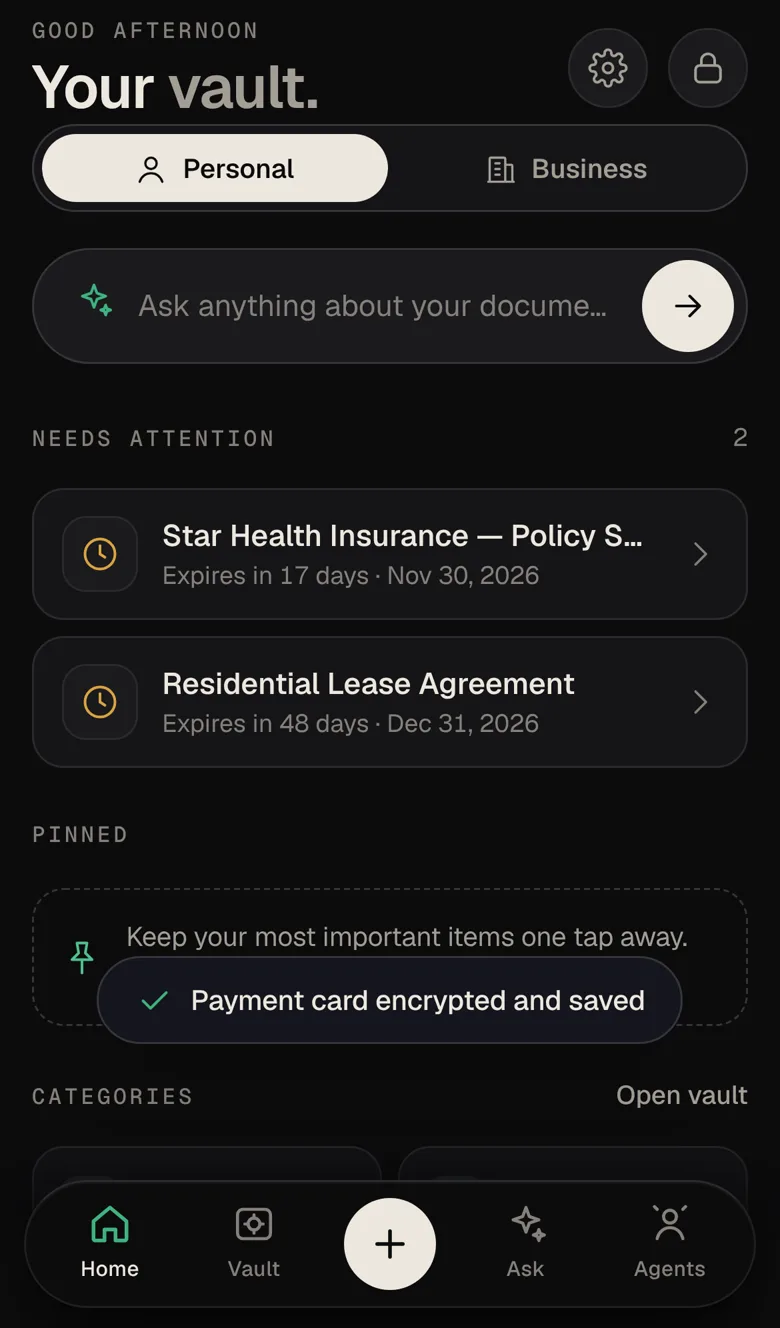
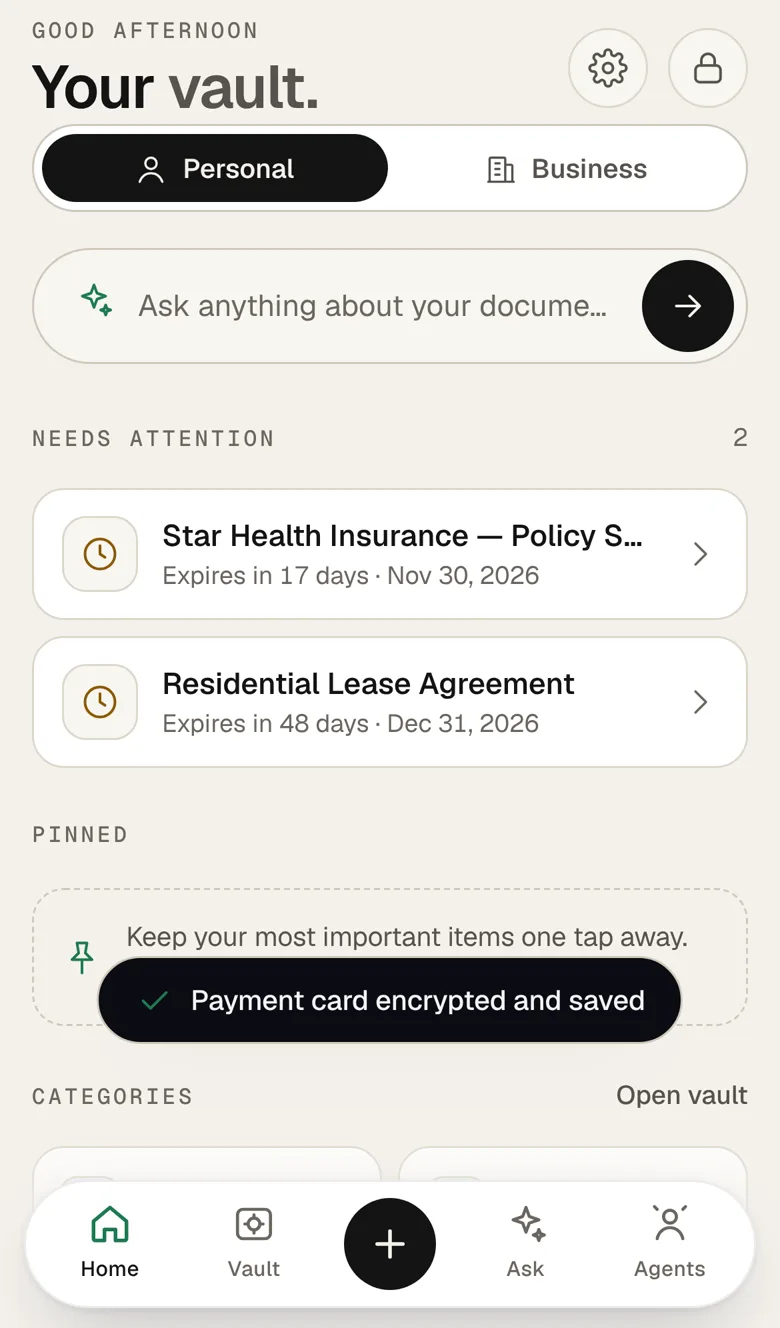
The launch film
Your AI should remember. Only for you.
Private beta
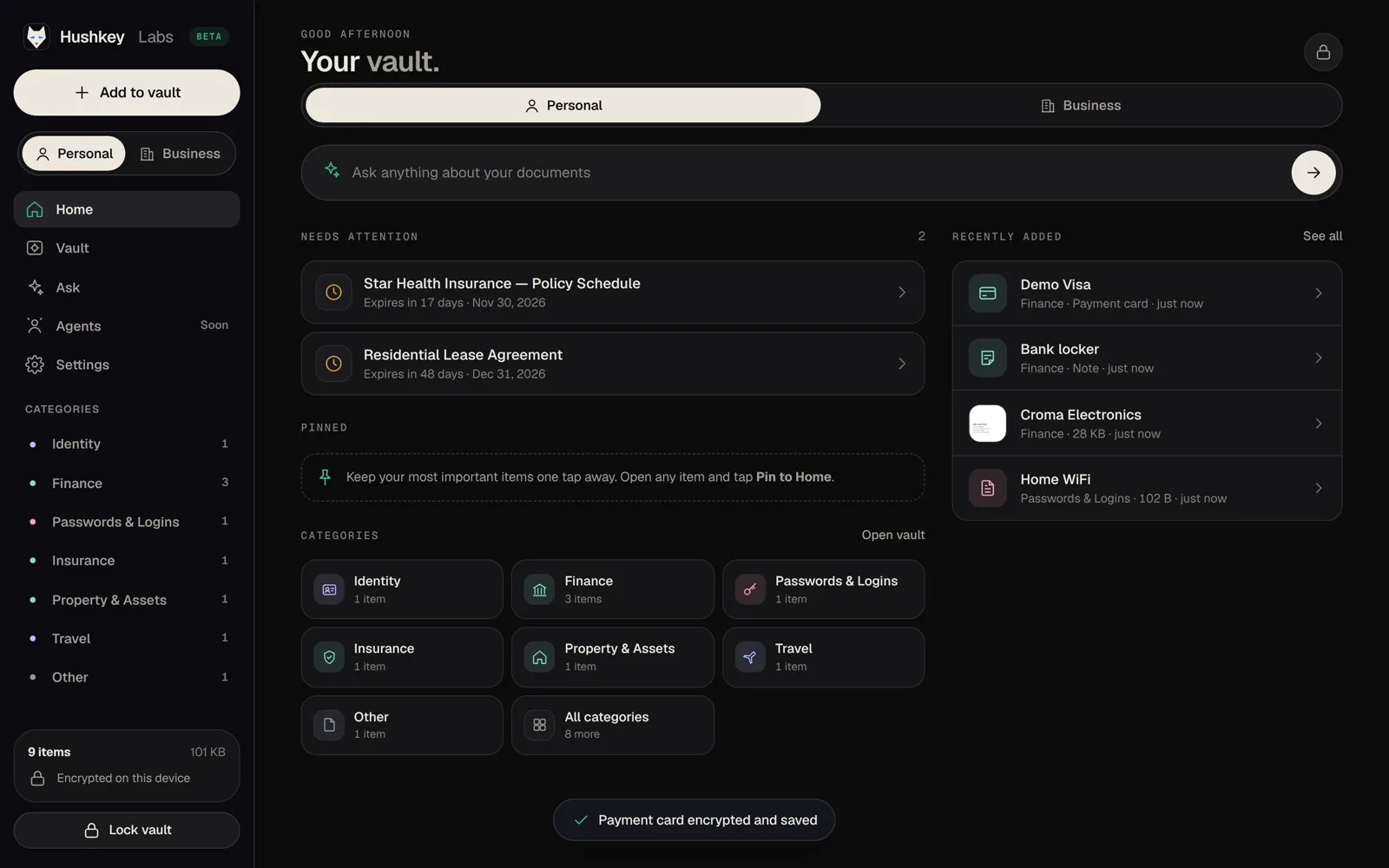
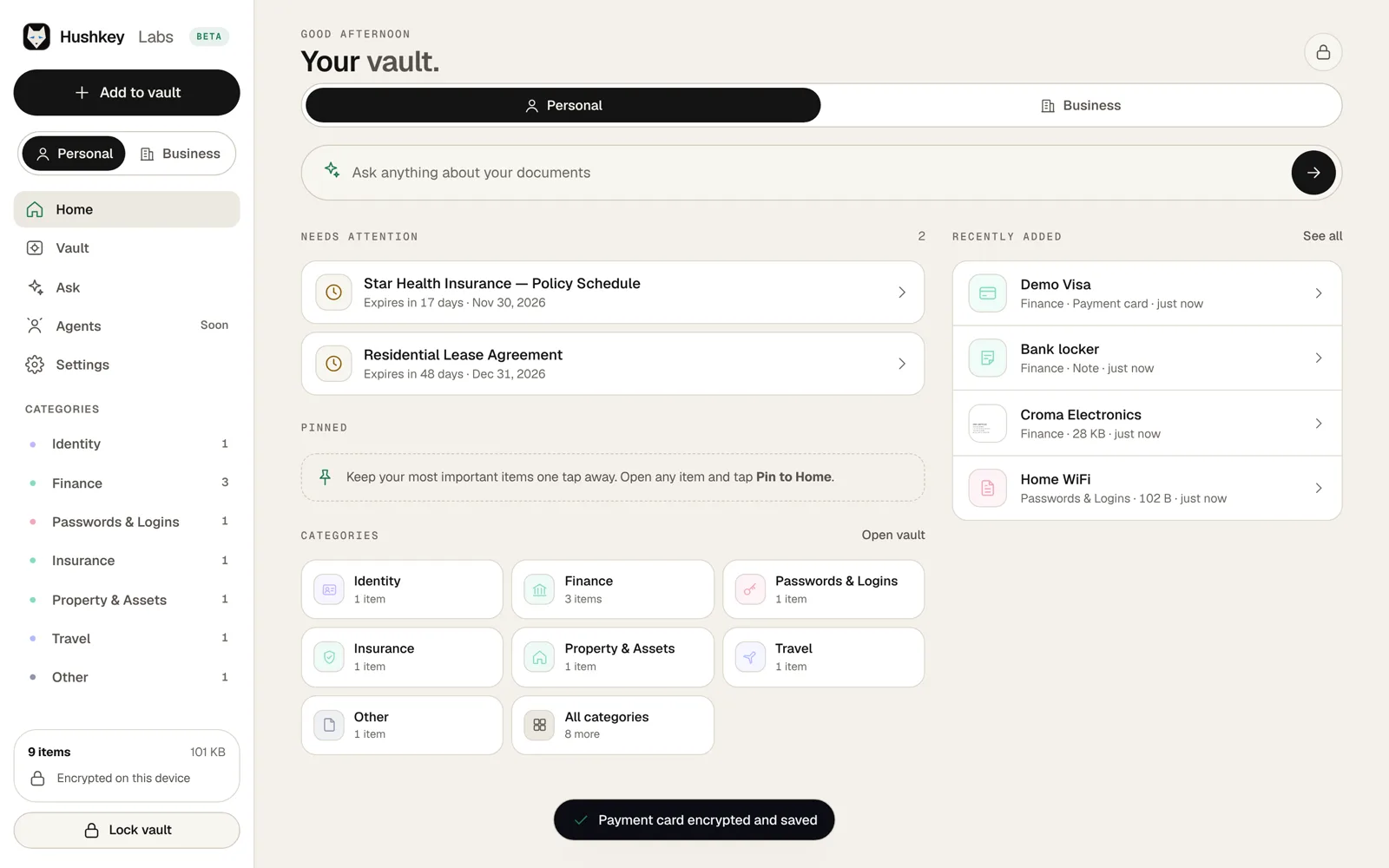
The private beta is an early preview of AI Memory Vault: the screens, the flow and the feel. Open it in any modern browser and look around.
A preview, not the finished product. Things will change. Use sample documents while you explore.
The problem
Passports in a drawer. Contracts in email. Policies in a PDF somewhere. Passwords in three apps. Every time you need something, you search. Every time you ask an AI, you explain your life again, and paste things you shouldn't.
It's time your memory had one quiet home.
How it works
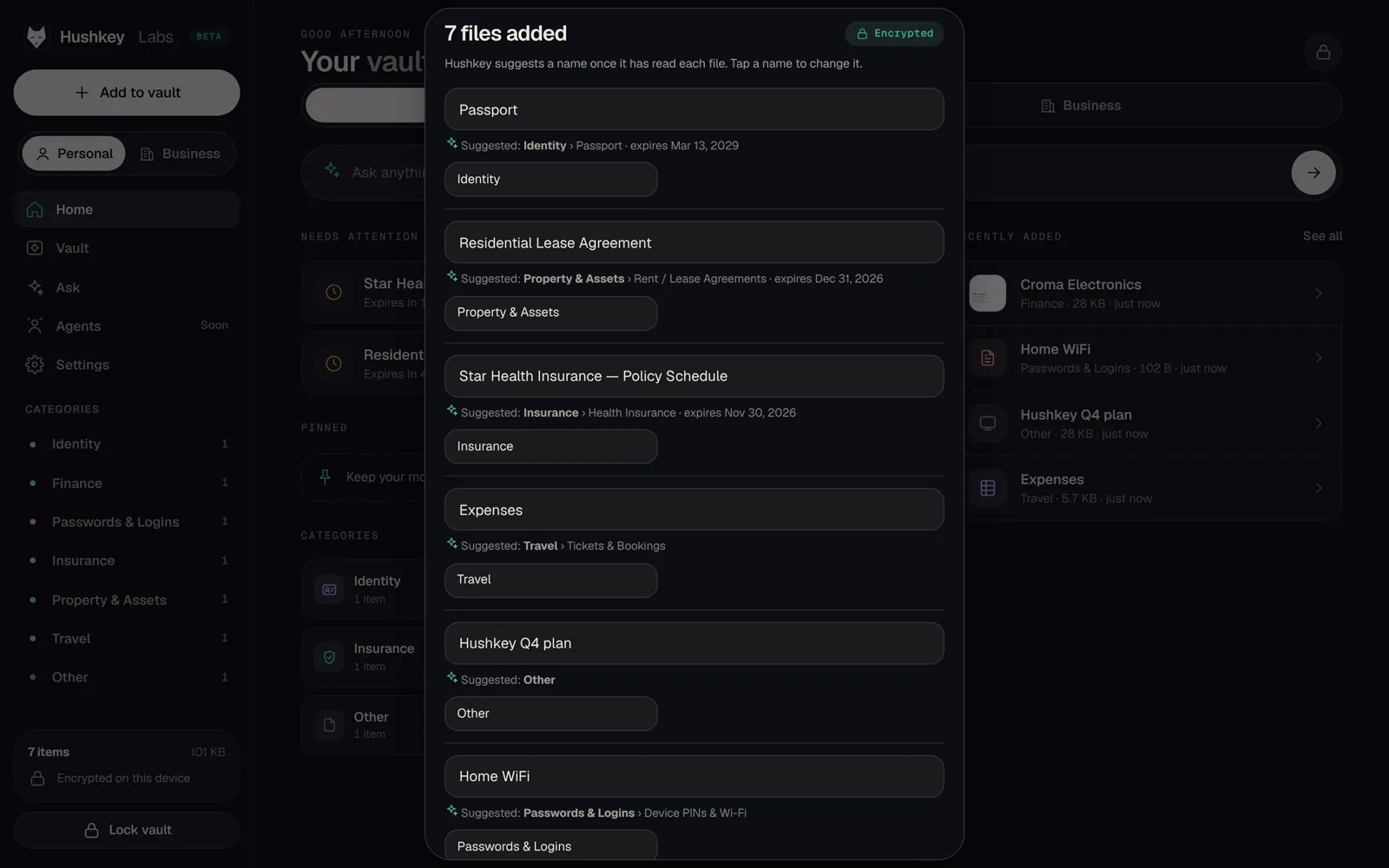
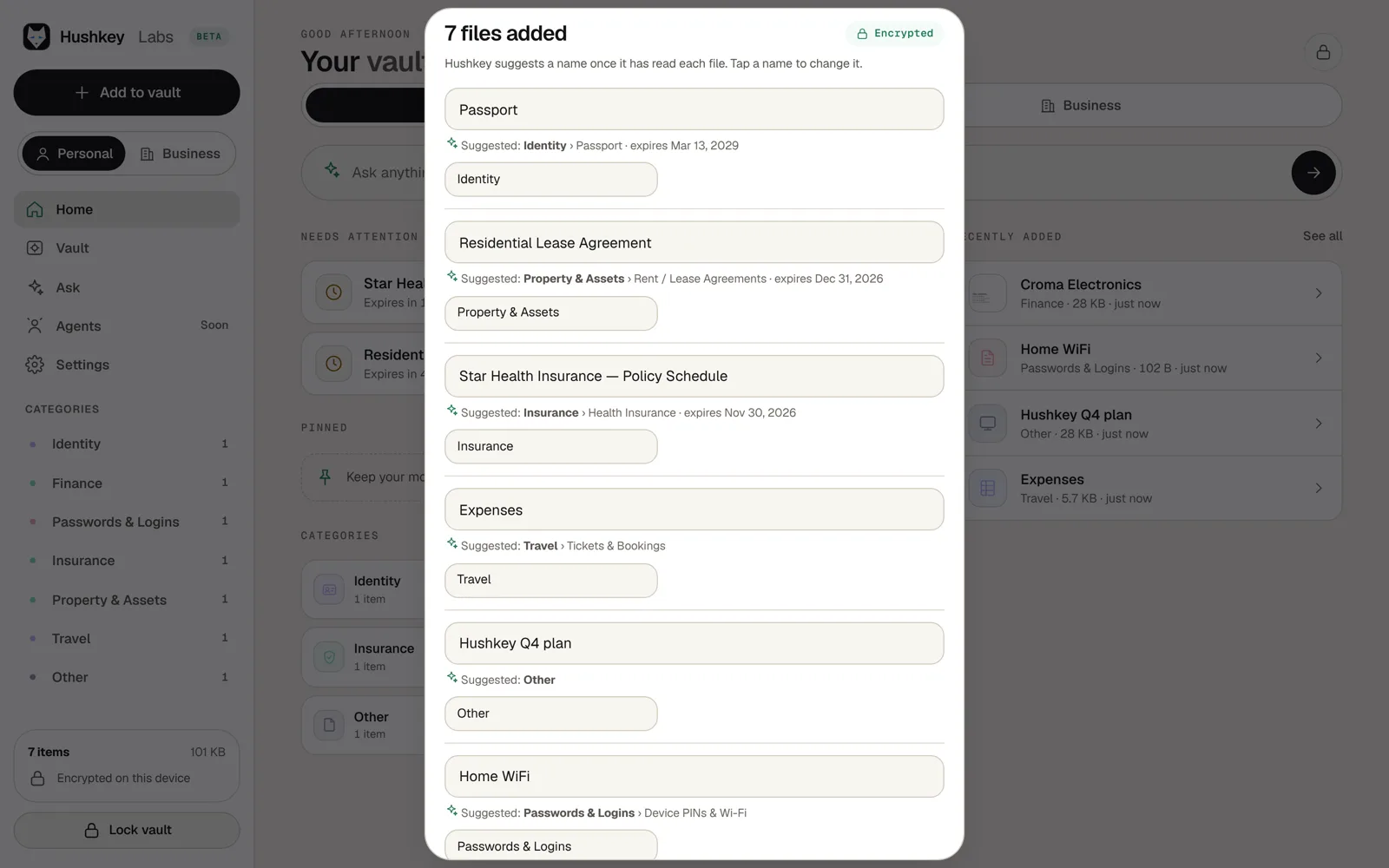
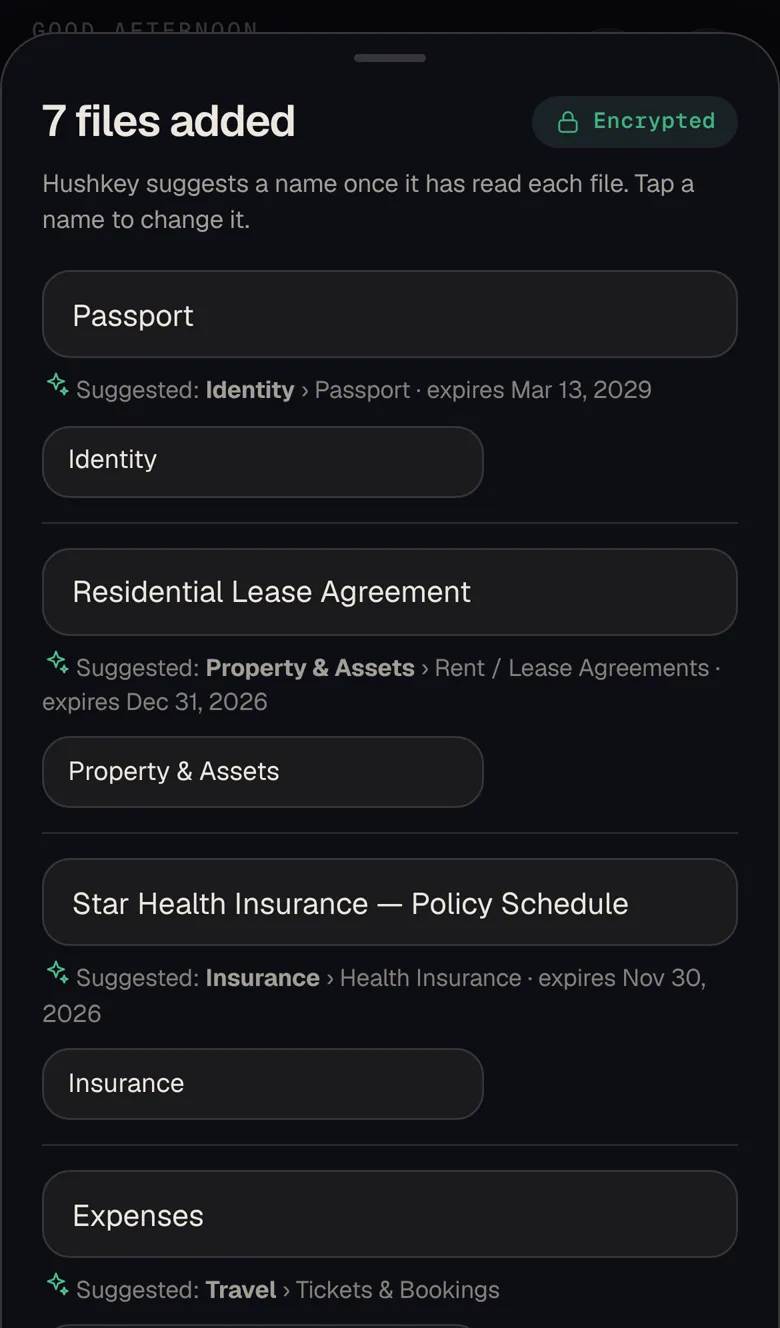
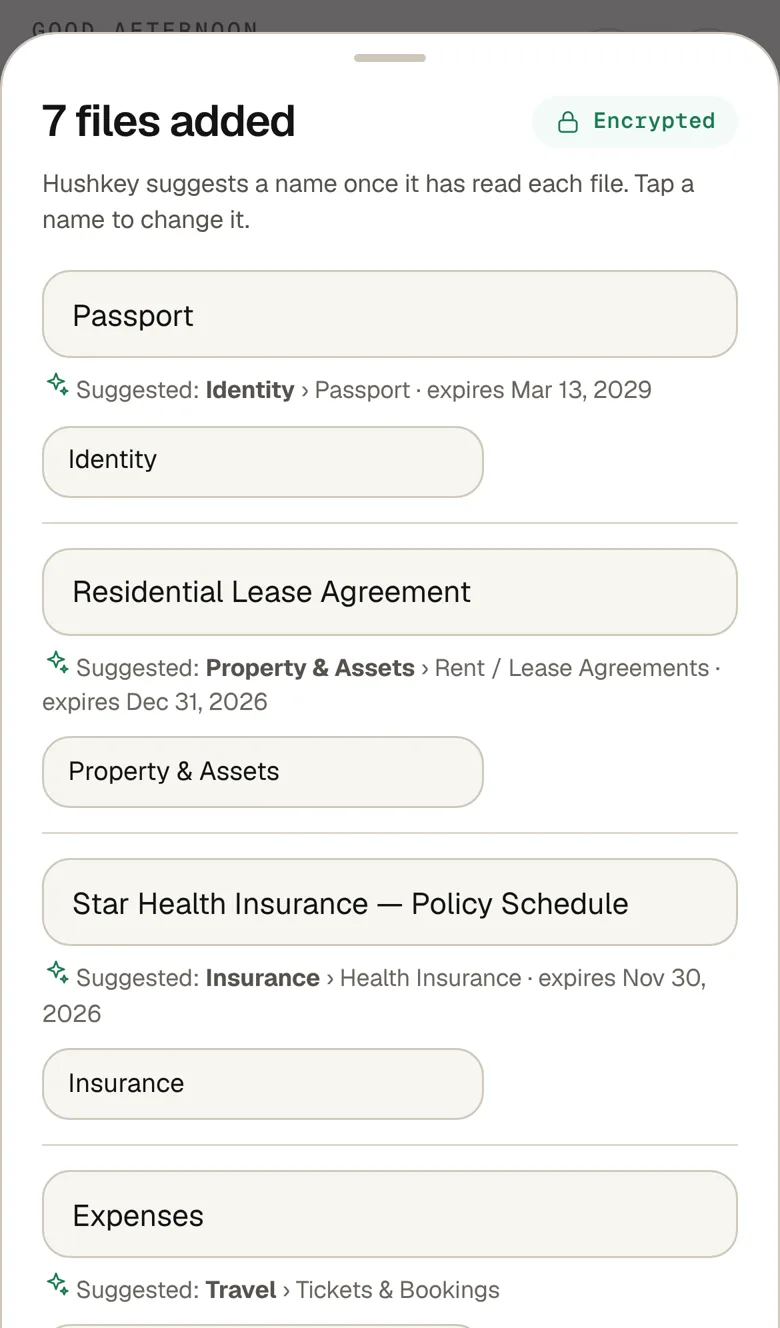
Add anything: files, photos, notes, credentials. It is encrypted on your device before it goes anywhere.
Your private AI quietly organizes it, finding dates, amounts, people and deadlines.
Ask questions. Get reminders. Let the agents you trust act, with only what you allow.
No migration needed. Keep files in Google Drive or OneDrive and AI Memory Vault sits on top.
Memory
Ask in plain words. Get the answer and the source.
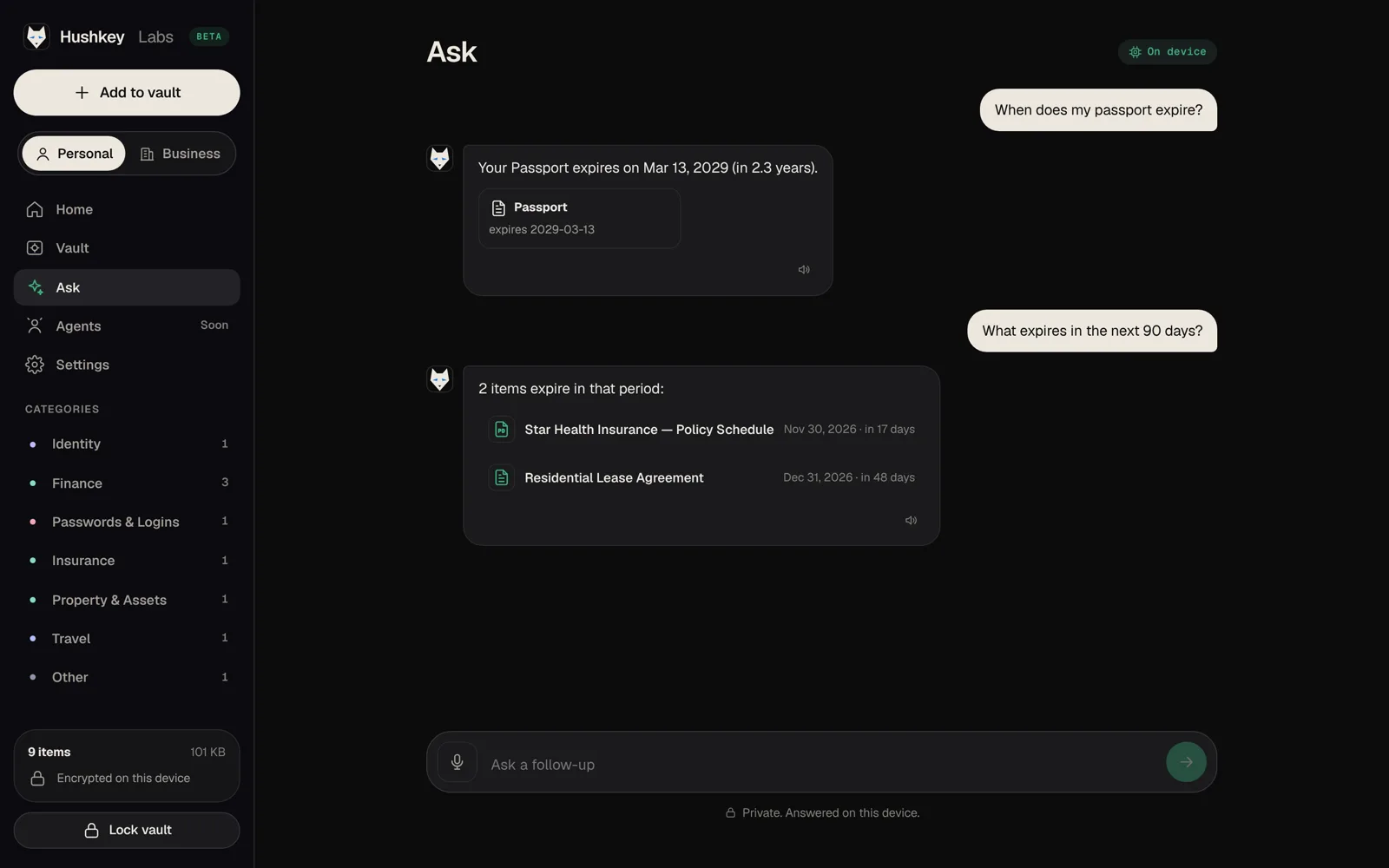
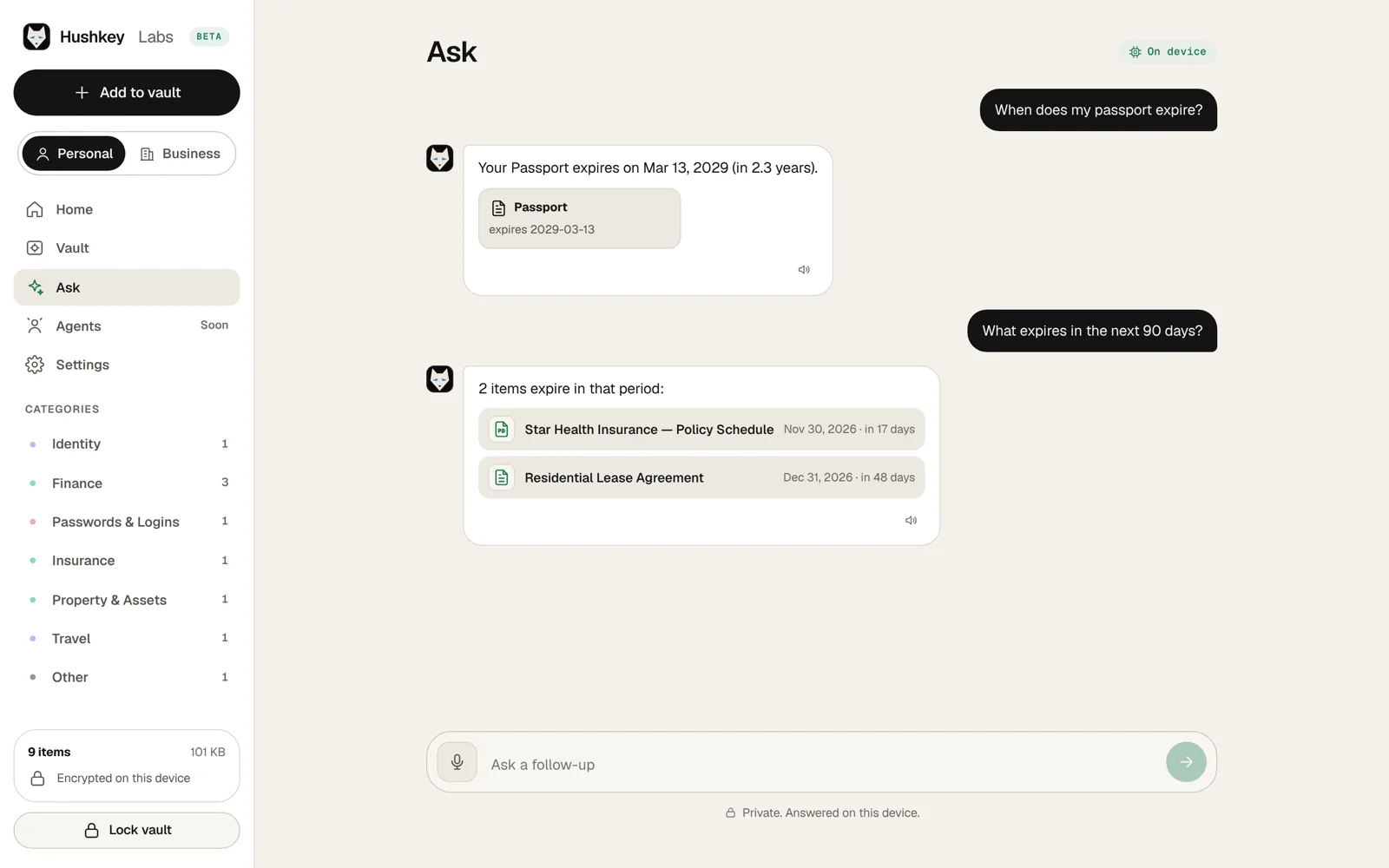
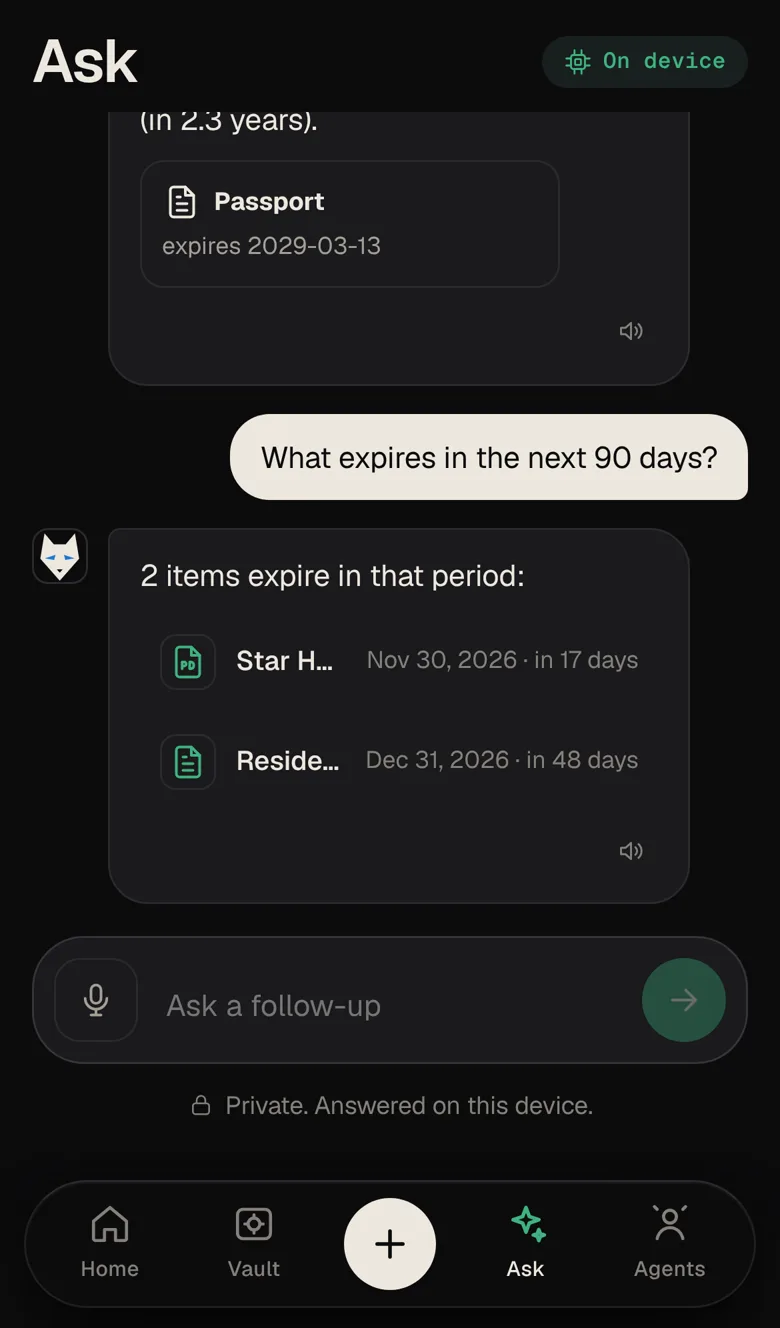
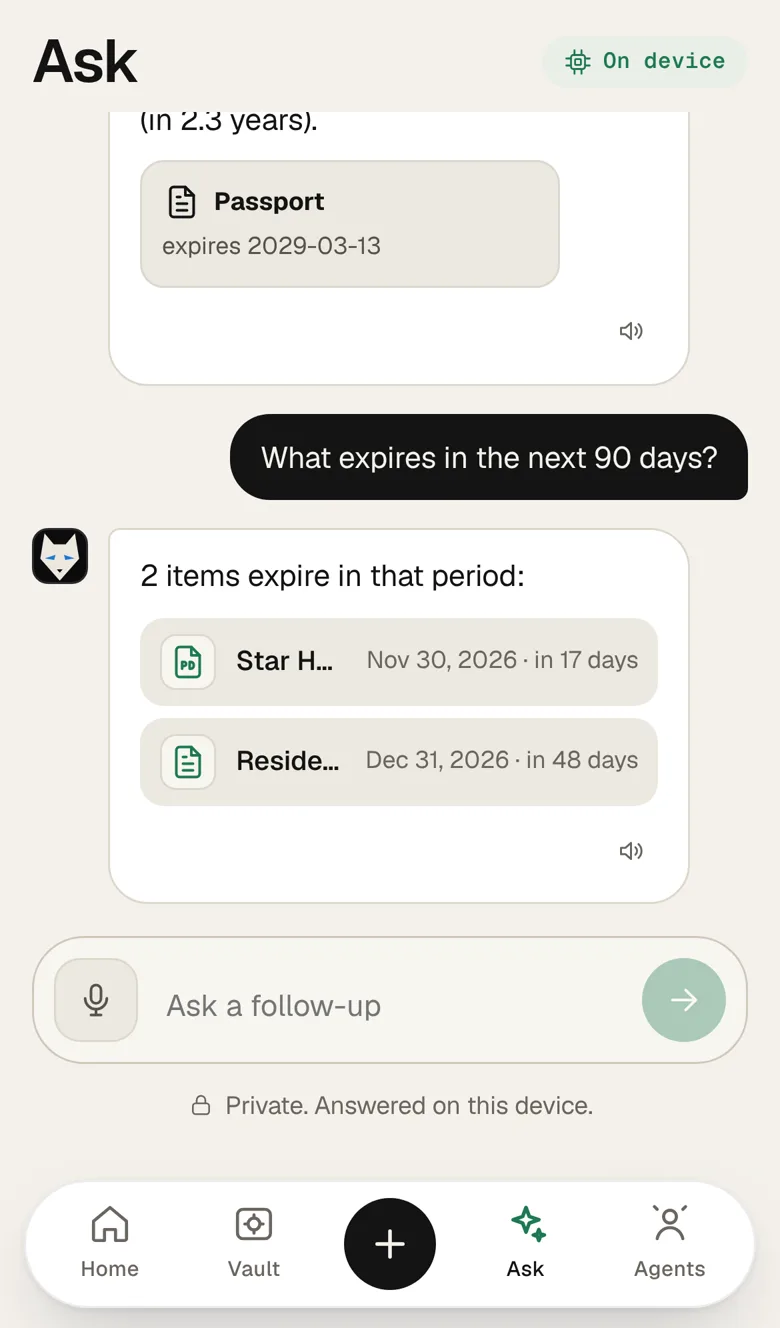
When it isn't sure, it doesn't guess. It opens the right document and highlights the line.
Your vault's AI runs on your device. It never learns from your data on our servers.
Agents
The Agent Firewall sits between your agents and your life.
Choose the agent, the fields and the time limit. “Travel assistant · Travel documents · Read · 7 days”
Every request is signed, timestamped and logged.
Cut off one agent, or all of them, in one tap. Grants expire on their own.
“Is the passport valid?” “Is the policy active?” Hushkey can answer with a signed yes or no, and no data leaves your vault.
Works with any AI assistant, through MCP or our permissioned API. Model-agnostic by design.
Privacy
AES-256-GCM on your device.
They are derived from your passkey, and never sent to or stored on our servers.
No backdoor. By design.
Code decides what an agent gets. An AI never decides.
You see every access.
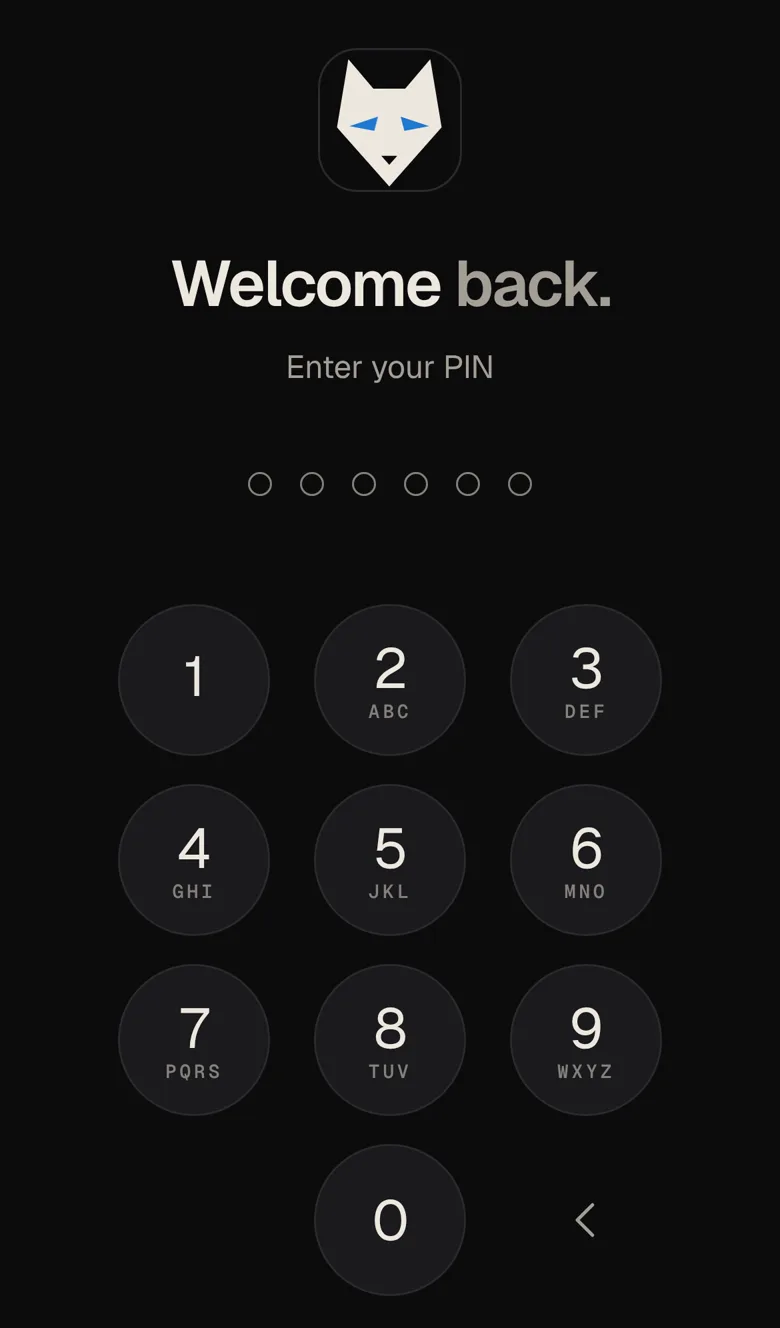
Your vault lives on your device too.
Features
Personal
Business
AI & Agents
For business
Per agent, per field, per task, with an audit trail your auditor will love. No migration, because it works on top of Google Drive and OneDrive.
FAQ
Web first, then Android, iOS and the browser extension. Waitlist members get invited first.
No. It's encrypted on your device with keys derived from your passkey. We only ever store data we can't open.
No. Your vault's AI runs on your device. We never train AI on your data.
Only what your rule allows. That is usually one field, or just a yes/no. It's limited to a task or a time window, and it's logged.
Any of them. It's model-agnostic and works through MCP or our permissioned API.
Yes, instantly. Revoke one agent or all of them. Grants also expire on their own.
Early access
The private beta is opening in small groups.
Hi! I'm the Hushkey assistant. Ask me anything about AI Memory Vault — how it works, privacy, AI agents, pricing or early access.